
Yoga Flow Builder
Drag poses into a smooth flow, dial in breath and timing, and export it. 420+ poses, AI help, and no signup to start.
Works in the browser · no signup to start · 420+ poses · PDF export.
On iPhone & iPad — or build in your browser.
A flow lives or dies on its transitions
Poses are the easy part. What makes a flow work is the order — and a list on paper tells you nothing about how it will actually move.
- •A sequence that reads fine on paper feels choppy on the mat.
- •No way to try a different order without rewriting the list.
- •Breath counts and sides get lost between drafts.
- •Most tools want an account before they show you anything.
Build it, then reorder until it moves right
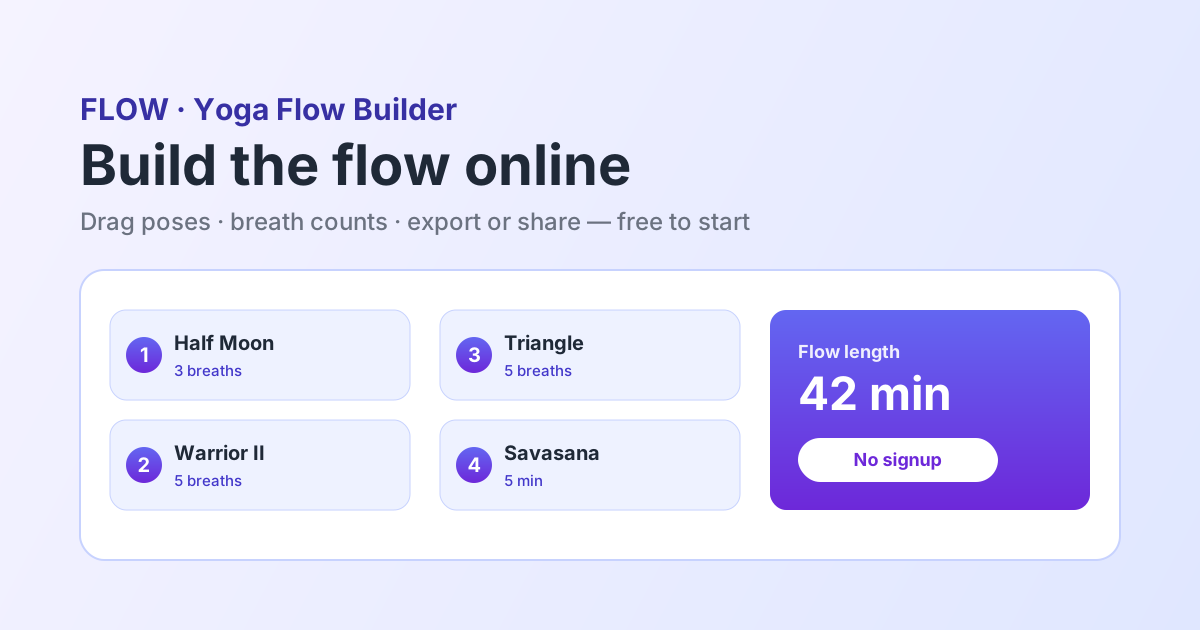
FLOW puts the whole flow on one screen. Drag asanas into order, set the breath count and hold for each, and move them around until the transitions feel the way you want them to.
Made for building flows
The parts that decide whether a flow actually flows.
Visual Flow Canvas
The whole flow on one screen so you can judge the arc, not just the poses.
Drag To Reorder
Try a different order in seconds instead of rewriting a list.
Breath & Hold Timing
Set breaths or seconds per pose and watch the total flow length update live.
AI Next-Pose Help
Stuck on a transition? Get options that respect safe sequencing — you pick.
420+ Illustrated Poses
Every pose carries cues, benefits, and contraindications as you build.
Export & Share
A clean PDF for your binder, or a link that opens on any device.
Any style of flow
The builder does not assume one tradition.
Vinyasa
Breath-linked transitions with repeatable sun salutation rounds.
Power
Longer holds and standing strength work built toward a peak.
Hatha
Held shapes with room to teach alignment between poses.
Gentle & Slow
Fewer transitions, longer settling, floor-based finishes.
How do you build a yoga flow?
Build a yoga flow by choosing a peak or focus, warming the joints and actions that peak needs, then linking poses so each transition is a small, natural movement rather than a jump. Set a breath count or hold for every pose so the flow has a real length, and finish with counter-poses and a rest. An online yoga flow builder like FLOW lets you drag poses into order and reorder them until the transitions feel right.
Is there a free yoga flow builder online?
Yes. FLOW runs in any browser and lets you build and preview a flow for free with full access to a 420+ pose library, without creating an account first. Pro unlocks unlimited saved flows, PDF export, and shareable links.
How long should a yoga flow be?
It depends on the slot: a short morning flow is 10-20 minutes, a studio class is usually 45-75 minutes, and an express lunchtime flow is 25-30. What matters more than the number is that the length is real — FLOW totals your breath counts and holds live so the flow you planned is the flow you can teach.
A flow builder, not a pose encyclopedia
There is no shortage of places to look up a yoga pose. Far fewer let you arrange poses into a flow, feel the transitions, and walk away with something you can teach from. FLOW is built for that second job — in the browser, on iPhone, and on iPad. See our honest comparison pages.
Build your first flow
Open the builder in your browser. No signup, no credit card.
Frequently asked questions
Is the yoga flow builder free?+
Yes. You can build and preview a flow for free with full access to the 420+ pose library — no signup required to start. Pro ($7.99/month or $59.99/year) unlocks unlimited saved flows, PDF export, and shareable links.
Do I need an account to try it?+
No. The builder opens straight in the browser and you can start dragging poses immediately. An account is only needed to save a flow.
Can I set breath counts instead of seconds?+
Yes. Each pose can carry either a breath count or a hold in seconds, whichever matches how you teach.
Can I reorder poses after building the flow?+
That is the point of the visual canvas — drag any pose to a new position and the flow and its timing update immediately.
Does it work for styles other than vinyasa?+
Yes. Vinyasa, power, hatha, yin, gentle, prenatal — set the style and level and build whatever shape the class needs.
Can I export the flow?+
Yes. Export a clean PDF for printing, or share a link that opens on any device.
Does it work on a phone?+
Yes. FLOW runs as a native iOS app and in any modern mobile browser, so you can build a flow on the way to the studio.
What if I get stuck on a transition?+
Ask for an AI suggestion. It proposes next poses that respect counter-posing and a sensible arc; you decide what makes the cut.