
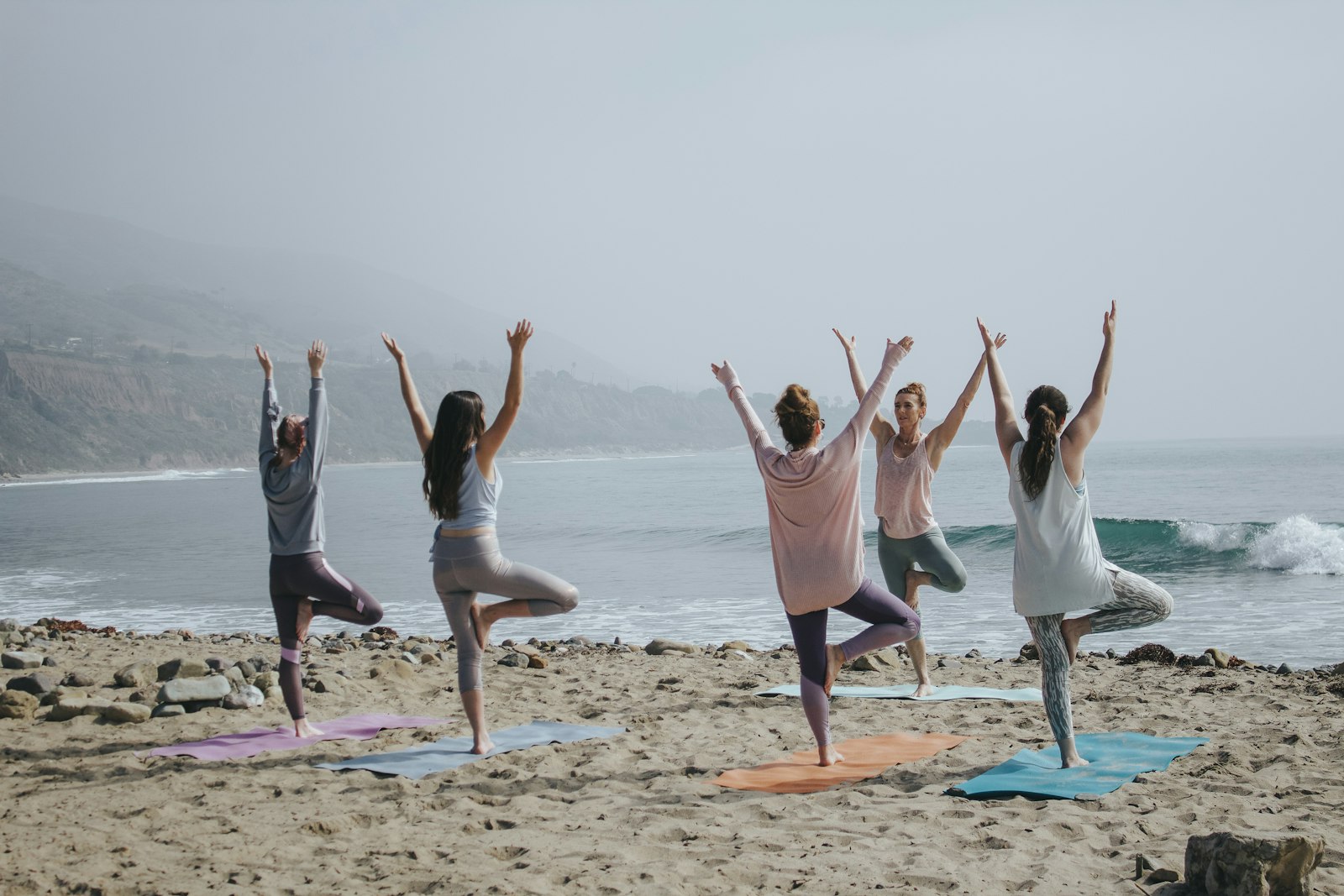
How to use the yoga timer
- Set the pose duration (how long you hold each pose).
- Set the rest between poses (0 if you want continuous flow).
- Pick a round count — the timer cycles through your rounds automatically.
- Tap Start. A soft bell marks each transition.
Suggested intervals by style
| Style | Pose duration | Rest |
|---|---|---|
| Vinyasa | 30–60s | 0s |
| Hatha | 60–90s | 5–10s |
| Yin | 3–5 min | 30s |
| Restorative | 5–10 min | 60s |
| Meditation | 5–20 min | — |
FAQ
Is this yoga timer really free?+
Yes — 100% free, no signup, no ads. It runs entirely in your browser. The team behind it makes money on FLOW Yoga Sequence Builder Pro, but the timer stays free.
Does it keep running with the screen off?+
On most modern phones the browser pauses timers when the screen locks. Keep the tab in the foreground, or use the wake-lock toggle on supported devices.
Can I save my timer settings?+
Yes. Your last-used interval, rest time, and round count are saved in your browser. To save full sequences with pose-specific durations, use the FLOW builder.
What is the best yoga timer interval?+
30–60 seconds per pose for vinyasa, 60–90 seconds for hatha, and 3–5 minutes per pose for yin. For pranayama, try 4-7-8 or 4-4-4-4 box breathing.
Plan your class, then time it
Build a sequence in the FLOW Yoga Sequence Builder — every pose gets its own duration. Free to start; Pro is $7.99/month with a 7-day free trial.